Compute point-level Zone of Influence (ZOI) values with SQL
Source:R/calc_zoi_sql.R
calc_zoi_sql.RdComputes ZOI-based covariates from an infrastructure layer and annotates them
to input points using SQL in a database connection (for example PostgreSQL).
Unlike raster-based ZOI functions, this computes values only at input point locations.
For optimal use, both input_points and infrastructure_layer should be spatially indexed,
so only nearby points are evaluated and the query is completed fast.
Usage
calc_zoi_sql(
  con,
  input_points,
  infrastructure_layer,
  radius = 100,
  type = c("circle", "Gauss", "exp_decay", "bartlett", "threshold")[1],
  zoi_metric = c("cumulative", "nearest")[1],
  input_id = "id",
  input_geom = "geom",
  infra_geom = "geom",
  output_type = c("cumulative_zoi", "density")[1],
  zoi_limit = 0.05,
  output_column_name = paste0(infrastructure_layer, "_", output_type, "_bartlett",
    radius),
  output_table = NULL,
  condition = "",
  limit = 1e+15,
  verbose = FALSE
)
Arguments
- con
[DBIConnection]
Open database connection used to run the SQL query.- input_points
[character(1)]
Name of the input points table, in the formattable_nameorschema_name.table_name. The table needs to be within the connectioncon, a database.- infrastructure_layer
[character(1)]
Name of the infrastructure table used to compute ZOI, in the formattable_nameorschema_name.table_name.- radius
[numeric]
Radius used in the ZOI function. Can be a vector to compute multiple output columns.- type
[character(1)="circle"]{"circle","Gauss","exp_decay","bartlett","threshold","linear","exponential"}
Distance-decay function used to compute ZOI values.- zoi_metric
[character(1)="cumulative"]{"cumulative","nearest"}
Aggregation metric:"cumulative"usessum, and"nearest"usesmax.- input_id
[character(1)="id"]
Identifier column ininput_points.- input_geom
[character(1)="geom"]
Geometry column ininput_points.- infra_geom
[character(1)="geom"]
Geometry column ininfrastructure_layer.- output_type
[character(1)="cumulative_zoi"]{"cumulative_zoi","density"}
Output interpretation used in naming and downstream use.- zoi_limit
[numeric(1)=0.05]
Limit value used in decay-based functions (for example exponential decay calibration). Not yet implemented, to be updated.- output_column_name
[character]
Output column name(s) for computed ZOI values. Length should matchradiuswhen multiple radii are provided.- output_table
[character(1)=NULL]
Optional output table name. If provided, the query is prefixed withCREATE TABLE IF NOT EXISTS ... AS.- condition
[character(1)=""]
Optional extra SQL condition appended to the spatial join clause (for example temporal filtering).- limit
[numeric(1)=1000000000000000]
Row limit applied to the final query. Useful for limiting the number of rows for testing purposes.- verbose
[logical(1)=FALSE]
Whether to print the generated SQL query.
Value
A data.frame with one row per input point and computed ZOI column(s). The output
includes the input point ID column and one or more derived ZOI columns named by
output_column_name. If output_table is provided, table creation is attempted before query
execution, and returned result content may depend on database backend behavior.
Examples
library(oneimpact)
library(DBI)
library(dplyr)
#>
#> Attaching package: ‘dplyr’
#> The following objects are masked from ‘package:terra’:
#>
#> intersect, union
#> The following objects are masked from ‘package:stats’:
#>
#> filter, lag
#> The following objects are masked from ‘package:base’:
#>
#> intersect, setdiff, setequal, union
library(sf)
library(terra)
# install.packages("duckdb")
library(duckdb)
#---
# set up connection and files
# connection - in memory
if (requireNamespace("duckdb", quietly = TRUE)) {
con <- DBI::dbConnect(duckdb())
DBI::dbExecute(con, "INSTALL spatial from core_nightly; LOAD spatial;")
# write vector of reindeer points to database
# load data in R
data("reindeer")
# register link to data in duckdb
duckdb::duckdb_register(con, "reindeer", reindeer)
# create spatial object in duckdb
DBI::dbExecute(con, "create or replace table reindeer_spat as (select row_number() over () as id, * exclude(x, y), ST_POINT(x,y) as geom from reindeer)")
duckdb::duckdb_unregister(con, "reindeer") # and forget the original dataframe
# check
dplyr::tbl(con, "reindeer_spat")
# add index id and spatial index
DBI::dbExecute(con, "CREATE UNIQUE INDEX reindeer_gid ON reindeer_spat (id);")
DBI::dbExecute(con, "CREATE INDEX reindeer_geometry ON reindeer_spat USING rtree (geom);")
# write vector of cabin points to database - from file
DBI::dbExecute(con, "create or replace table cabins as select * from st_read('inst/vector/reindeer_cabins.gpkg')")
# check
dplyr::tbl(con, "cabins")
# add spatial index
DBI::dbExecute(con, "CREATE INDEX cabins_geom ON cabins USING rtree (geom);")
# compute ZOI of cabins and extract for reindeer points
cum_zoi_cabins <- calc_zoi_sql(con,
input_points = "reindeer_spat",
infrastructure_layer = "cabins",
radius = 5000,
type = "bartlett", zoi_metric = "cumulative",
input_id = "id",
input_geom = "geom", infra_geom = "geom",
output_table = NULL,
limit = 100,
verbose = TRUE)
cum_zoi_cabins
}
#> duckdb keeps downloaded extensions and secrets in a temporary directory:
#> ℹ /tmp/RtmpkVt74X/duckdb
#> This is removed when the R session ends.
#> • Extensions are re-downloaded each session.
#> • Secrets are lost.
#> ℹ Run duckdb(shared_home = TRUE) (or create ~/.duckdb) to keep them (suitable for most users).
#> ℹ Run duckdb(shared_home = FALSE) to accept the temporary directory (and silence this message).
#> ℹ See ?duckdb_storage for details and alternatives.
#> Error in dbSendQuery(conn, statement, ...): Invalid Error: HTTP Error: Failed to download extension "spatial" at URL "http://nightly-extensions.duckdb.org/v1.5.5/linux_amd64/spatial.duckdb_extension.gz" (HTTP 403)
#> Extension "spatial" is an existing extension.
#>
#> For more info, visit https://duckdb.org/docs/stable/extensions/troubleshooting?version=v1.5.5&platform=linux_amd64&extension=spatial
#> ℹ Context: rapi_prepare
#> ℹ Error type: INVALID
#-----------------
# compare to the raster approach
# compute ZOI
f <- system.file("vector/reindeer_cabins.gpkg", package = "oneimpact")
cabins <- terra::vect(f)
rr <- terra::rast(xmin = terra::ext(cabins)[1], resolution = 100,
extent = terra::ext(cabins), crs = terra::crs(cabins))
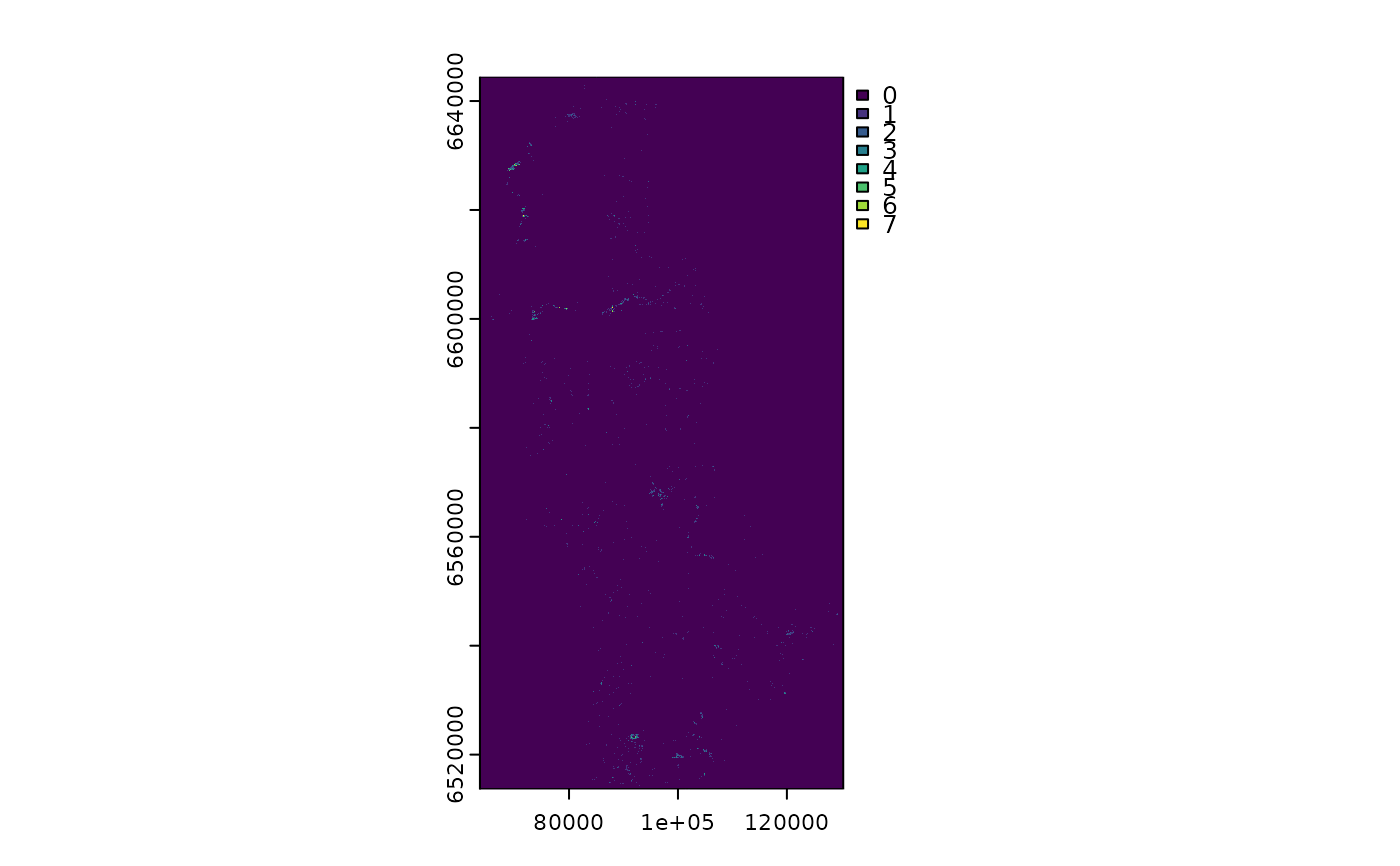
cabins_count <- terra::rasterize(cabins, rr, fun = length)
cabins_count <- terra::ifel(is.na(cabins_count), 0, cabins_count)
plot(cabins_count)
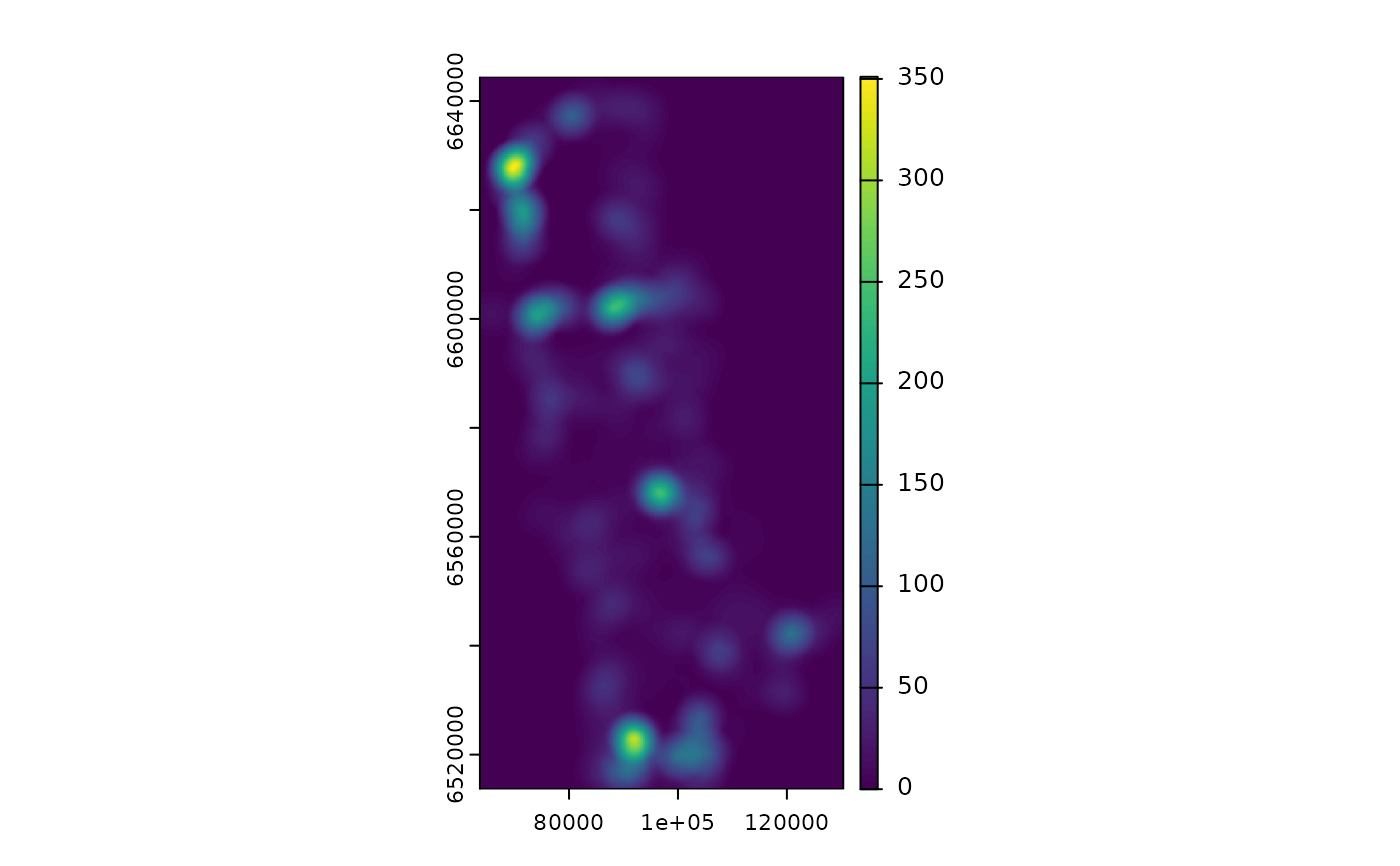
 cumzoi_linear <- calc_zoi_cumulative(cabins_count, type = "bartlett", radius = 5000)
plot(cumzoi_linear)
# extract
reindeer_cabins <- terra::extract(cumzoi_linear, terra::vect(reindeer, geom = c("x", "y"), crs = "EPSG:25833"))
plot(cumzoi_linear)
plot(terra::vect(reindeer, geom = c("x", "y"), crs = "EPSG:25833"), add = T)
cumzoi_linear <- calc_zoi_cumulative(cabins_count, type = "bartlett", radius = 5000)
plot(cumzoi_linear)
# extract
reindeer_cabins <- terra::extract(cumzoi_linear, terra::vect(reindeer, geom = c("x", "y"), crs = "EPSG:25833"))
plot(cumzoi_linear)
plot(terra::vect(reindeer, geom = c("x", "y"), crs = "EPSG:25833"), add = T)
 # approximately the same
cbind(reindeer_cabins, dplyr::arrange(cum_zoi_cabins, gid))
#> Error: object 'cum_zoi_cabins' not found
# approximately the same
cbind(reindeer_cabins, dplyr::arrange(cum_zoi_cabins, gid))
#> Error: object 'cum_zoi_cabins' not found